
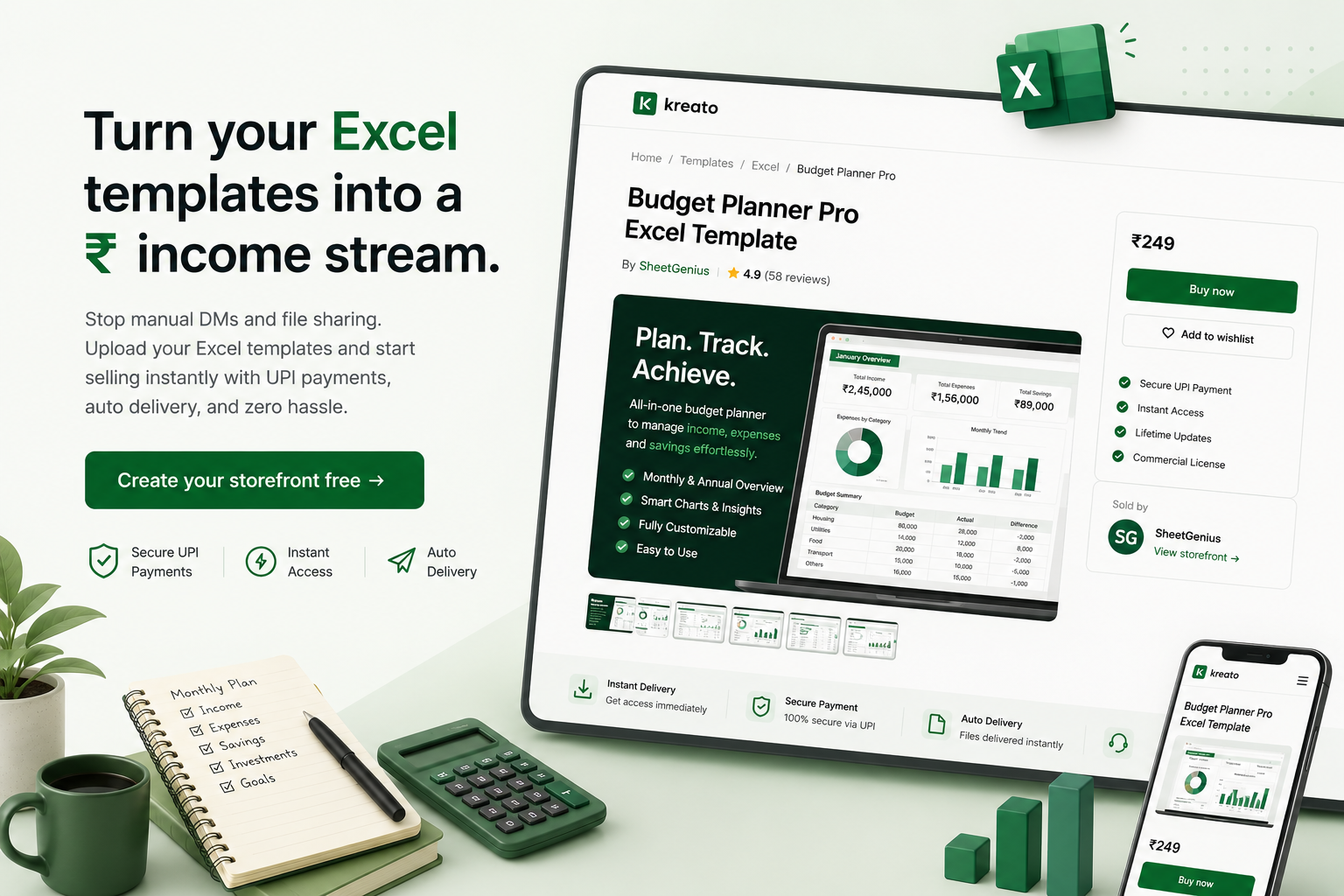
Your Excel templates are worth ₹. Start charging for them.
Stop sharing your budget trackers, SIP calculators, and business dashboards for free. Upload to Kreato, set a price in ₹, and buyers get instant access after payment. No manual work.
Start selling in 5 minutes →Free to join · No credit card needed
The problem Excel creators face in India
You share trackers and templates for free on LinkedIn or Instagram - because charging feels awkward or complicated.
When you do charge, buyers send UPI payments and wait for you to verify and send the file manually.
You've built a personal finance tracker that's saved people lakhs - but monetizing it feels out of reach.
Platforms like Gumroad don't support UPI, so Indian buyers can't pay easily.
No invoice means you can't sell to small businesses or professionals who need a receipt.
Why Excel creators switch to Kreato
Manual way
With Kreato
Verify UPI screenshots and email files manually
Instant, automatic delivery after payment
Collect screenshots as proof of payment
Payment confirmation is automatic
Gumroad checkout - UPI not supported
UPI, cards and net banking built in
No invoice for business buyers
GST invoice auto-generated every sale
Kreato makes selling Excel templates as easy as sharing a link
Upload your Excel file, Google Sheets export, or PDF guide once.
Set your price in ₹ - from ₹49 to ₹4,999, you decide.
Buyers pay via UPI, card, or net banking in under 30 seconds.
File delivered automatically on payment - you never send manually.
GST invoice auto-generated for every sale.
Earnings transferred to your bank account every week.
What creators are selling on Kreato
Instagram Templates
Resume Templates
Notion Templates
React Boilerplates
Excel Sheets
AI Prompts
UPI payments
INR pricing
Instant delivery
Creator storefront
Easy sharing
GST invoices
You spent hours building that tracker.
Don't let it sit inside your Google Drive, unpaid.
Publish it once. Share one link.
Get paid every time someone buys it.
How it works
Upload your template
Upload your .xlsx, .csv, or Google Sheets export as a ZIP. Or share a Google Sheets link in a PDF with instructions.
Set your INR price
Price it in ₹. No currency conversion, no PayPal needed. Buyers see exactly what they pay.
Share with your audience
Share on LinkedIn, Instagram, WhatsApp groups, or finance communities. Your followers already trust your work - they're your first buyers.
Collect payments automatically
Buyer pays via UPI or card. They get the file instantly. You get a notification and weekly payout to your bank.
Everything else you need to know about selling Excel templates
Best Excel and Google Sheets templates that sell
The categories that sell most consistently in India: personal finance (budget planners, SIP and mutual fund calculators, expense trackers, EMI calculators), business tools (invoice templates, inventory trackers, GST filing helpers, payroll sheets), and productivity trackers (habit trackers, project management sheets, content calendars).
Templates built around a specific financial goal outsell generic ones - a "SIP + Retirement Planning Calculator for Indian Investors" sells better than a plain "Finance Tracker" because it speaks directly to a decision the buyer is already trying to make.
How much to charge for an Excel template
Simple single-sheet trackers (a habit tracker, expense log) typically sell for ₹49-₹249. Multi-sheet templates with formulas, dashboards, and linked views usually price between ₹299 and ₹999. Comprehensive systems - a full business finance suite, a GST-compliant invoicing system - can reasonably charge ₹999-₹4,999, especially with a setup video included.
A good anchor: price so that roughly 20-30 sales meaningfully compensate the hours you spent building and testing the formulas, then adjust slightly below what comparable creators in your niche charge while you build reviews.
Where to promote Excel templates
LinkedIn works especially well for business and finance-focused templates - professionals actively search for tools that save them spreadsheet work. Instagram and YouTube Shorts showing a quick scroll through the dashboard or a "how this calculator works" clip drive strong engagement for personal finance templates aimed at a broader consumer audience.
Finance and personal-development Telegram/WhatsApp communities are smaller but highly qualified audiences for launch-day sales, especially for budget and investment-focused templates.
Google Sheets vs Excel - which should you sell?
Google Sheets templates are easier for most buyers to use immediately - no software installation, works on mobile, and buyers just make their own copy via the share link. Excel templates suit buyers who need offline access, more advanced formulas (macros, pivot tables, complex conditional formatting), or who already work primarily in Excel for business reasons.
A practical approach: build in whichever tool you're most comfortable with, but export or duplicate a version for the other platform if you have time - some creators sell the Excel version at a slightly higher price than the Google Sheets version, since Excel implies more advanced functionality.
Kreato vs Gumroad for selling Excel templates
Gumroad prices in USD by default and has no UPI support, which is a real barrier for Excel and finance-template creators whose audience is almost entirely Indian. Kreato prices natively in ₹, accepts UPI/cards/net banking, and auto-generates a GST-compliant invoice per sale - relevant if small businesses buy your templates and need a proper receipt.
Gumroad's fee is roughly 10%; Kreato's is a flat 5%. For finance-template creators selling primarily to Indian buyers, that fee difference combined with higher UPI-driven checkout conversion typically means more money reaches your bank account per sale.
Frequently asked questions
How do I sell Excel templates online in India?
Upload your Excel file to Kreato, set a price in ₹, and share your storefront link with your audience. Buyers pay via UPI or card and get instant download access. No manual sending required.
Can I sell Google Sheets templates on Kreato?
Yes. Export your Google Sheet as XLSX or ZIP, or create a PDF with the share link and instructions. Upload that to Kreato and sell it like any other digital product.
What kinds of Excel templates sell well?
Personal finance trackers, SIP calculators, budget planners, business expense sheets, invoice templates, HR trackers, project management sheets, and GST filing helpers are popular categories.
Do I need technical skills to sell on Kreato?
No. If you can upload a file and fill a form, you can sell on Kreato. Setup takes under 10 minutes.
Can I sell to businesses who need a GST invoice?
Yes. Kreato auto-generates a GST-compliant invoice for every sale. Business buyers can also enter their GSTIN at checkout.
How do buyers pay for Excel templates?
Via UPI (GPay, PhonePe, Paytm), credit/debit card, or net banking. Powered by Razorpay. Buyers pay in ₹ with no conversion or foreign transaction fees.
How much does Kreato take per sale?
Kreato charges a flat 5% per sale. No monthly fee, no setup cost.
When do I get paid?
Earnings are transferred to your registered Indian bank account every week. No minimum payout amount.
Start selling your Excel templates today
Free to join. Your storefront goes live in under 10 minutes.
Launch your Excel storefront →No credit card · Setup in 10 minutes