
Professional Drafting Standards Bundle
About this product
Everything you need to understand and apply professional architectural drafting standards in one practical bundle.
WHAT YOU GET
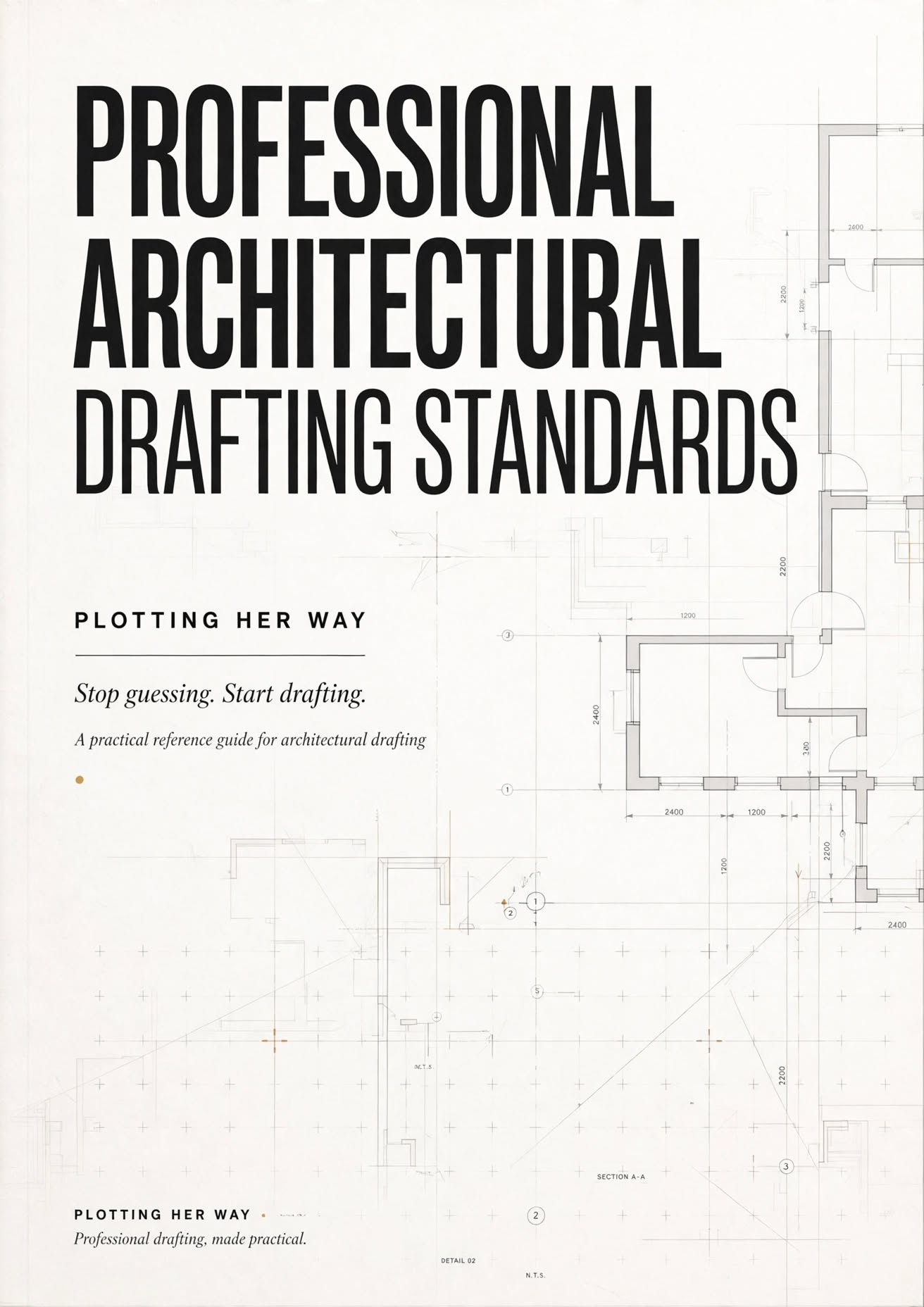
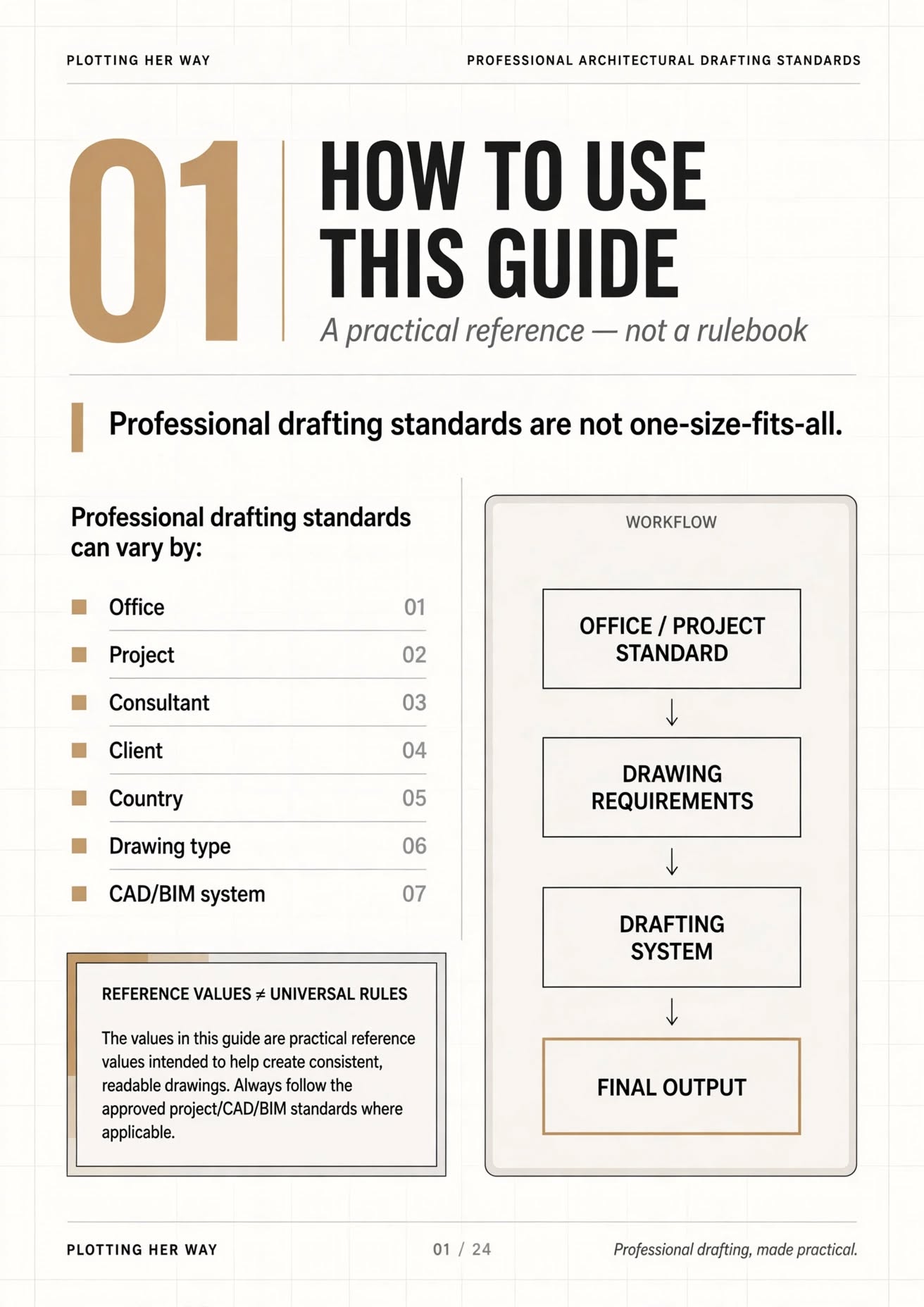
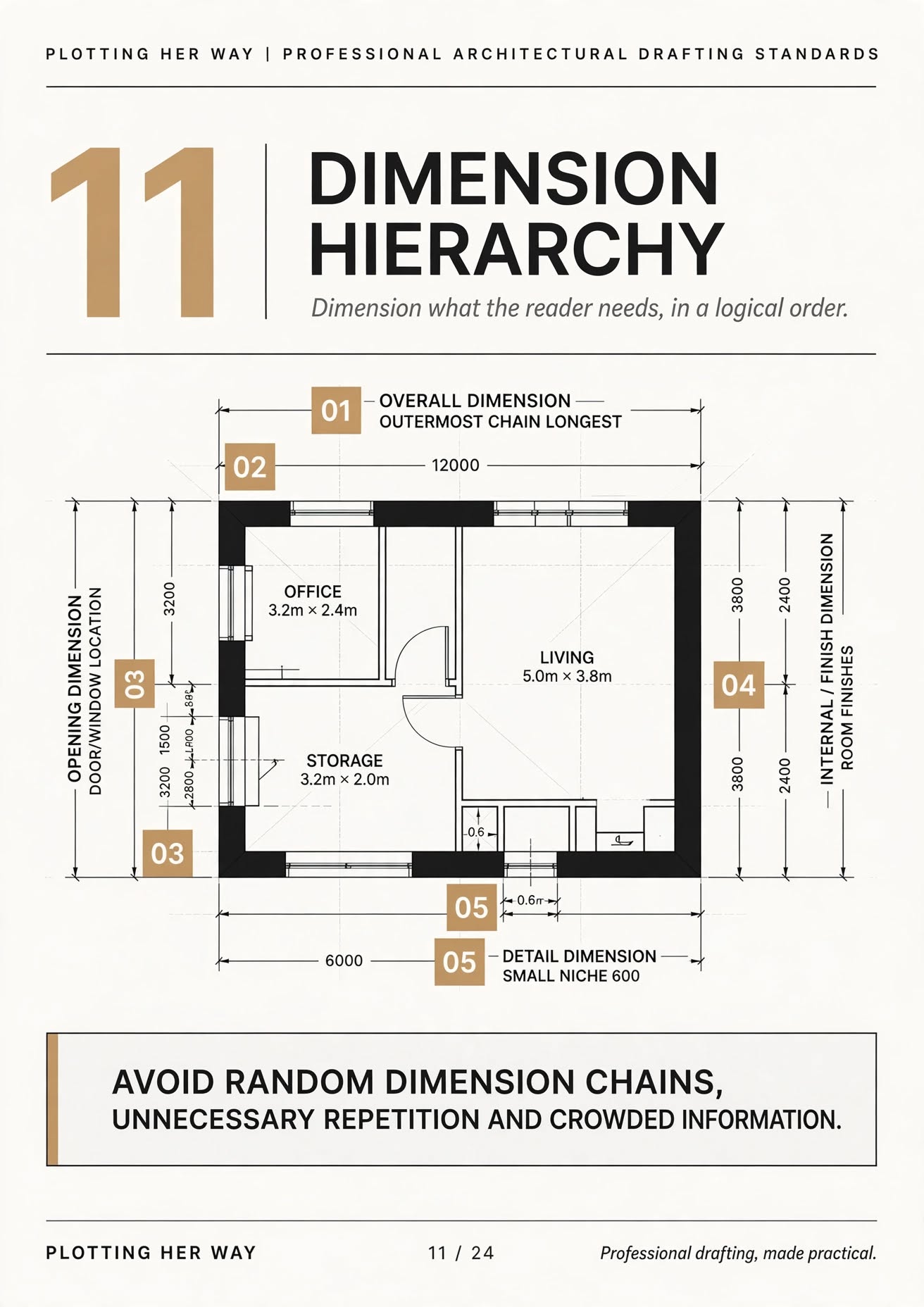
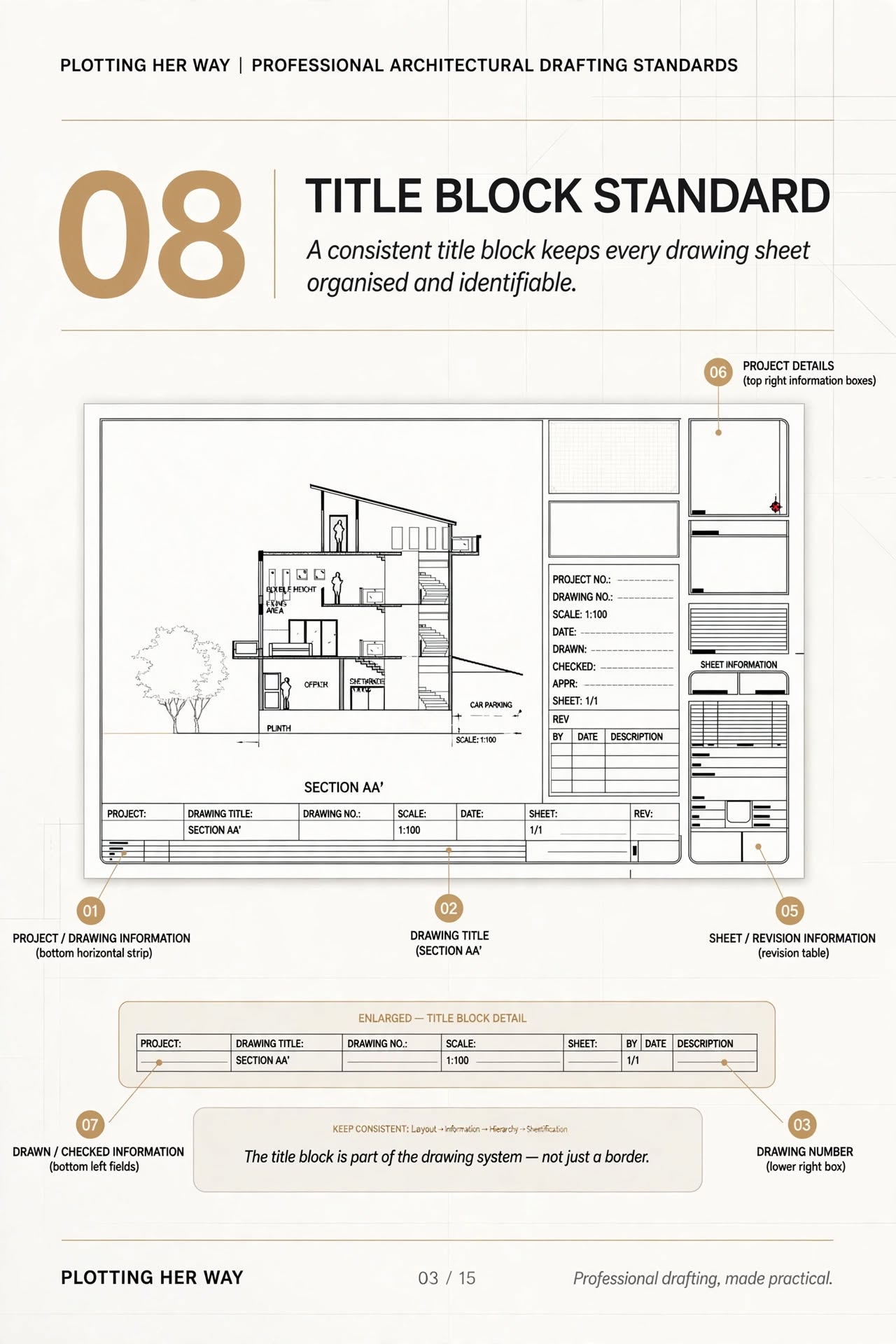
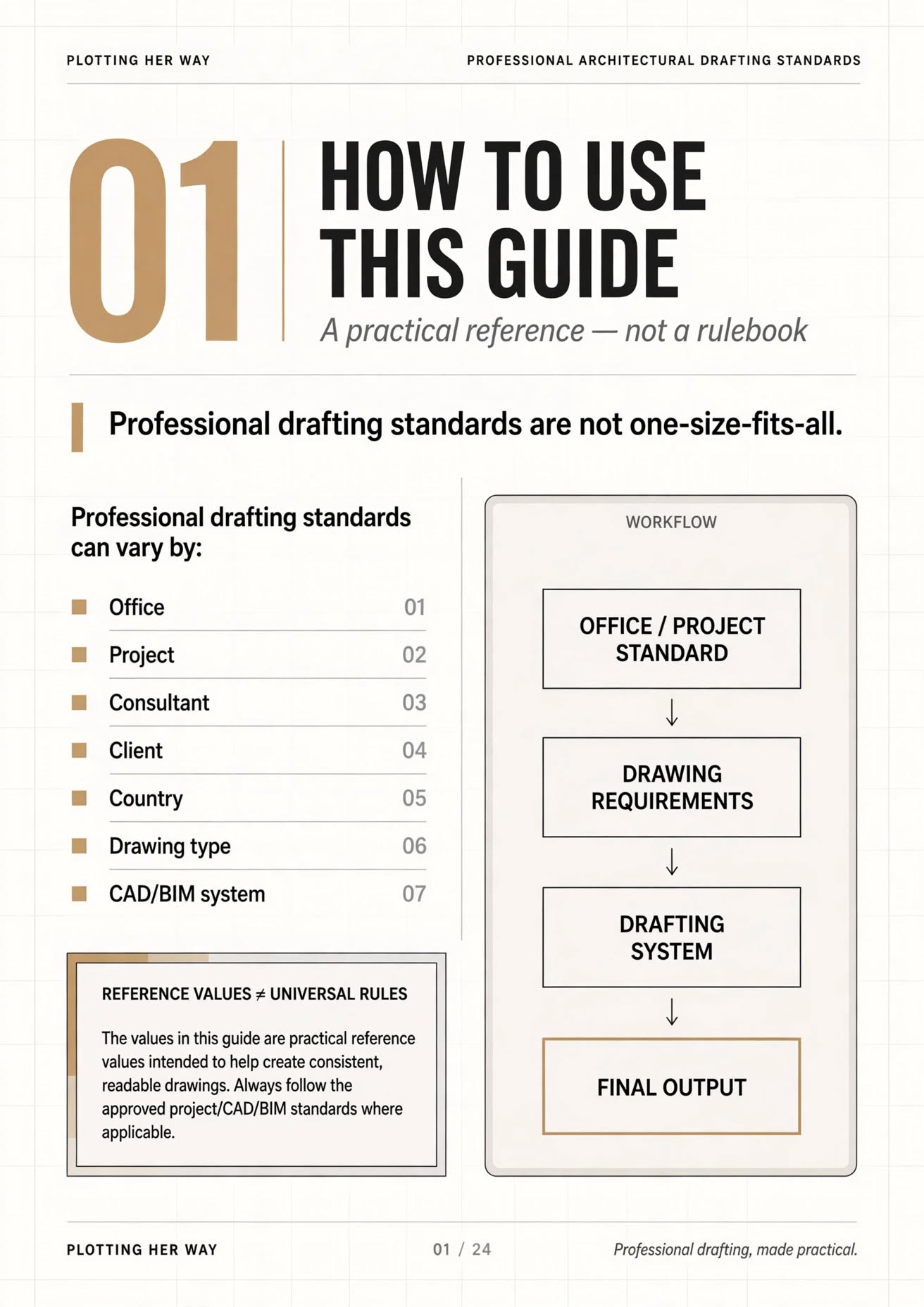
📘 Professional Architectural Drafting Standards — 24-Page Guide
Covers:
Text heights & hierarchy Lineweights Layer structure Drawing scales Dimensioning Annotation Hatching Blocks Plotting Drawing QA & submission checks Practical reference values Quick-reference tables & checklists
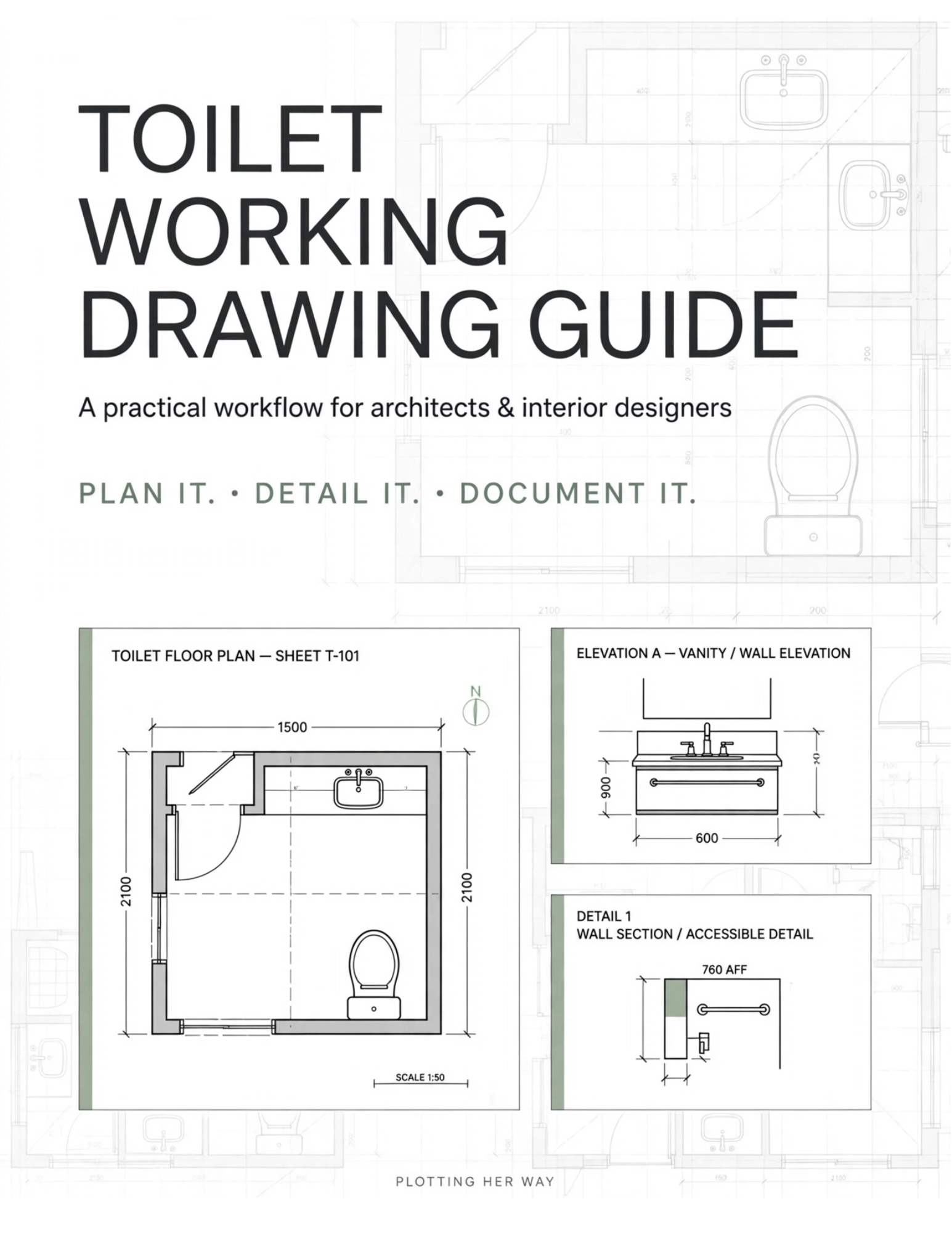
📐 Practice / Reference CAD File
Includes:
Sample architectural floor plan Organised layer structure Text & dimension setup Applied lineweight hierarchy Hatching & annotations Practical drafting structure WHY THIS BUNDLE?
Don't just read the standards — see how they are applied in an actual CAD file.
Use the guide as your reference and the CAD file as your practice tool to build a more consistent drafting workflow.
IMPORTANT
The values and setups provided are practical reference examples, not universal rules.
Always adapt them to your office, project, consultant and client requirements.
Perfect for: Architecture students • Interns • Young architects • CAD drafters • Interior designers
Guide it. Open it. Study it. Apply it.
Plotting Her Way Professional drafting, made practical.
What's included · 2 items
Open any item below - buying this bundle gets you everything, or buy just one piece instead.
What you get
Plotting Her Way
Verified Creator@plotting-her-way
Plotting Her Way is a learning platform for architects, interior designers, architecture students and drafters who want to work smarter with AutoCAD. I share practical AutoCAD tips, commands, shortcuts, workflows and resources designed to help you draft faster, work more efficiently and build

Bundle
2 items included
incl. GST · digital download
Say thanksPlotting Her Way
Verified Creator@plotting-her-way
Plotting Her Way is a learning platform for architects, interior designers, architecture students and drafters who want to work smarter with AutoCAD. I share practical AutoCAD tips, commands, shortcuts, workflows and resources designed to help you draft faster, work more efficiently and build